how to change message color on iphone ios 15
Adds shapes to buttonsfor example an underline beneath Back buttons. Select either Sunset to Sunrise or Custom Schedule.

Black And Brown App Icons Ios 15 Theme Pack Aesthetic App Etsy App Icon App Music App
2 After installing the app open the Messages app.

. If you want to change the colors of your iMessage bubbles on your iPhone without jailbreaking you can use a third-party app calledColor Text Bubbles on iMessage. Scroll to see all the included bubble colors and designs. Easily Change Instagram Message Color on iPhone customize the look and feel of your messages.
The settings of changing font size on iPhone are easy as following. 5 Choose a bubble that you want to use from the list of available ones. Up to 30 cash back Step 1.
First youll want to choose a font for your message. 4 Select FancyBubble from the row of apps. Here we need to select the app you wish to change the icon for.
Tap this then turn on Larger Accessibility Sizes. Tap on the one you want to use. Turn on Automatic then tap Options.
You should see a row of apps below the text input field. Now scroll down to the bottom and youll find the option to change Note Backgrounds. Make your Messages look like never before by following these d.
Your customized profile name and photo will be automatically shared with your contacts when you send them a message. Quit the Messages app Double press your home button and swipe up on the Messages app. Go to Settings Messages and Turn OFF and then back ON your iMessage option.
Up to 50 cash back From the color bubble highlighed below select from a range of colors to change text background color on iPhone. How to Change iMessage Bubble Color on iOS 151413. 3 Start a new chat or open an existing chat and start typing.
All others will be red. Just above the keyboard in the row of apps select FancyBubble. On iOS 10 or earlier go to Settings General Text size.
If you choose Custom Schedule tap the options to schedule the times you want Dark Mode to turn on and off. In Color Texting after creating the image tap the button with the words Click here to send the text message A window will appear. Here you can easily select Light or Dark background for all of your notes.
And finally you can alter the text color. Scroll down and tap Mail. After Ive changed this setting when I compose an email in my iPhones Mail app any email address that doesnt end with iphonelife.
Up to 30 cash back Q 2. From the Home Screen of the phone tap Settings and select Notifications from the list. Tap the Open App text at the top of your screen and rename it to the app you just selected.
You can set Dark Mode to turn on automatically at night or on a custom schedule in Settings. So if someone sends a photo it. Tap Continue on the next screen.
Makes the text in your devices user interface bold. This will bring up different colored message bubble options. Head over to Settings from the home screen of your iPhone or iPad.
Next you can opt for a custom font size. Well you are unfortunately unable to customize the font font size and font color if you own an iPhone Apple officially doesnt allow you to do so on iPhone iPhone 7 included even you cant find a third-party application on the App Store because there are no approved apps provided on the App store to change iPhone text color. Search for Open App then tap on App next to it when found.
Tap on it and then send the image. This app features both a free version and a paid version via in-app purchases. In iOS 13 and iPadOS 13 Apples Mail app retains the swipe gestures of previous iOS versions that help you reduce the amount of time you spend managing messages in.
Select Edit Name and Photo. Type in your message and hit Send. Go to Settings Display Brightness.
From the edit screen you can change a number of elements of your new bubble. That is how to change colour of text message iPhone. To turn on this color-coding feature in Mail.
Tap Choose Name and Photo. This domain will remain blue. It allows you to customize the iMessage bubble color font size font style and font color.
For example if you wanted to customize the app icon for Facebook you would select the Facebook App. How to Customize iPhone Messages with Bubble and Screen Effects. This is where you can change the notification settings of the phone.
On iOS 11 or later go to Settings Display and Brightness Text Size and adjust the slider to increase or decrease the font size. Then you can use the slider to adjust your preferred reading size. On your iPhone open the Settings app scroll down to find Accessibility tap Display Text Size and hit Larger Text.
Now open back Message and try to send a message to your friend s iPhone but make sure to use the button at the Top-Left corner to find your friend and. Type Your Message and Customize Its Color. If you want the font to be even bigger go to Settings General Accessibility Larger Text.
Tap on it to continue. In the settings menu scroll down and tap on Notes. Open the Settings app.
Enter the domain that you want to specify. Tap on Always Ask and then tap Done. You can also change your iMessage bubble color using the FancyBubble app rather than selecting.
IOS not allow you. Drag the slider at the bottom of the screen. From the Messages option under Notification Settings set notifications as banners on top or as alerts in the middle of the screen.
Tap in the text input field where you draft iMessages. If prompted to Use This Photo Everywhere tap Use. Adds OnOff labels on preference screens.
The main new feature in the iOS 15 Messages app is Shared with You which aggregates content that people share with you in Messages into the proper apps.
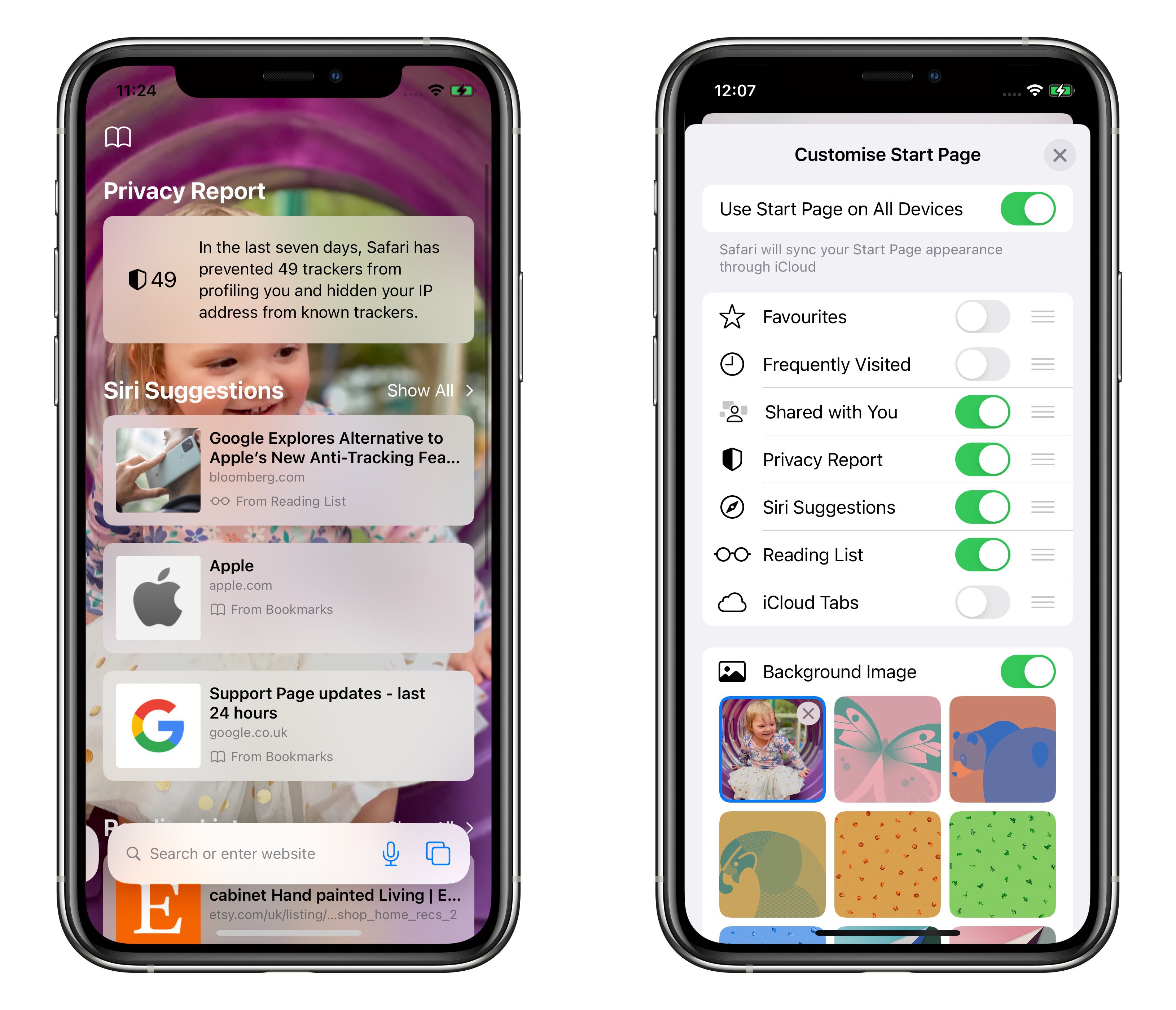
Ios 15 How To Customize Your Safari Start Page And Background Macrumors
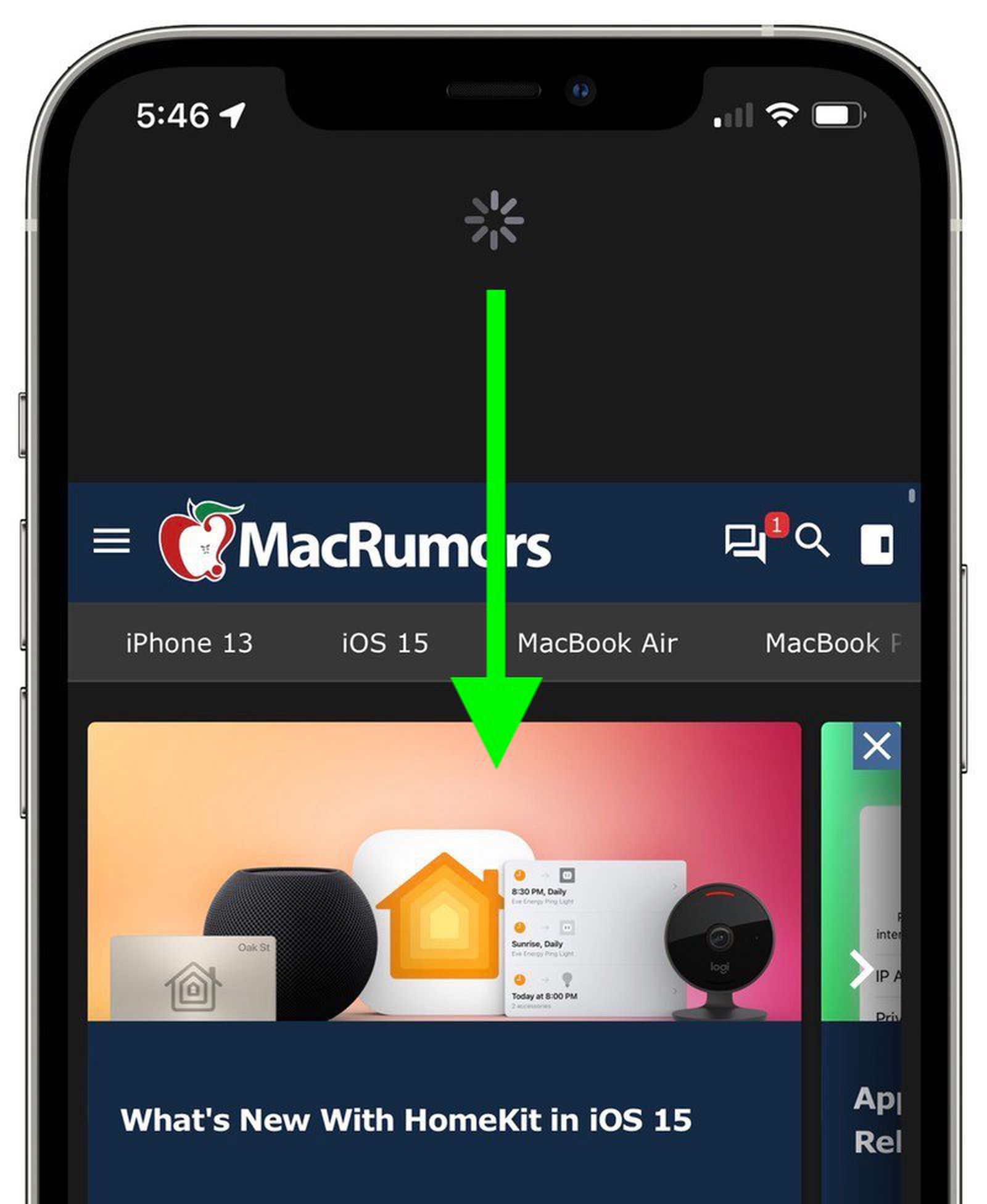
Ios 15 How To Quickly Refresh A Webpage In Safari Macrumors

Ios 15 Minimal Icons Coffee Brown Minimalist Icon Pack Apple Etsy App Icon Minimalist Icons App

Aesthetic Black Ios App Icons Pack 108 Icons 1 Color Etsy Black App App Icon Icon Pack

Blue App Icons Ios 15 Calm Theme Pack Includes Aesthetic 500 Etsy App Icon Custom Icons App

Aesthetic Black Ios App Icons Pack 166 Icons 1 Color Etsy In 2022 App Icon Icon Pack Custom Icons

Pink Rose Aesthetic App Icons Ios 15 Icon Theme Pack 400 Pink App Icons Iphone Widgets Light Dark Wallpapers For Iphone Home Screen App Icon Iphone App Design App

Aesthetic Modern Ios 14 15 App Icons Pack 166 Icons 5 Etsy In 2021 App Icon Custom Icons Icon Pack

Aesthetic Sunset Ios 15 App Icons Pack 166 Icons 5 Colors Etsy In 2021 App Icon Custom Icons Icon Pack

Pin En Guardado Rapido

Ios 15 Purple App Icons Iphone Theme Pack Includes Aesthetic Etsy App Icon App App Covers

Rose Pink Neutral Aesthetic Ios 14 Ios 15 Ipados App Icons Widget Cover Photos Widgetsmith Aesthetic App Icon Pack Icons Iphone App Icon Iphone App

How To Change App Icons On Ios 15

Ios 15 Minimal Icons Coffee Brown Minimalist Icon Pack Apple Etsy App Icon Icon Pack App Covers

Aesthetic White Ios App Icons Pack 166 Icons 1 Color Etsy In 2022 App Icon Icon Pack Custom Icons

Aesthetic White Ios App Icons Pack 166 Icons 1 Color Etsy App Icon Icon Pack Custom Icons

Aesthetic Deep Blue Sea Ios 14 15 App Icons Pack 166 Icons 6 Colors Deep Blue Sea App Icons Aesthetic Ios Home Screen Pack In 2021 App Icon Blue Sea Custom Icons
Minimalist Dark Grey Iphone Ios 14 Ios 15 App Icons Pack Etsy App Icon Grey Wallpaper Iphone App

Ios 15 Rose Gold App Icons Iphone Theme Pack Includes Etsy App Icon Gold App App